PlayStation Plus Malaysia 2026: Plans, Wallet Top-Up and Payment Guide
Last Updated: September 29, 2026
PlayStation Plus Malaysia 2026: Plans, Wallet Top-Up and Payment Guide
PlayStation Plus is simple… until you actually need to choose a plan, top up your wallet, renew a subscription, or figure out why payment suddenly fails at checkout. Classic gamer pain, bro.
For Malaysian PlayStation players, the main things to understand are:
- Which PS Plus plan fits your playstyle
- How wallet top-up works
- When wallet funds are used
- What payment mistakes to avoid
- Why account region matters
Sony’s Malaysia PS Plus page describes key benefits like monthly games, online multiplayer, and exclusive discounts through PlayStation Plus PlayStation Plus Malaysia. So if you play online often or claim monthly games, this is not just a “nice to have” subscription — it can be part of your regular console setup.
Which PlayStation Plus Plan Should You Pick?
PlayStation Plus in Malaysia is split into three main tiers: Essential, Extra, and Deluxe PlayStation Plus Malaysia.
PlayStation Plus Essential
This is the basic plan. It includes:
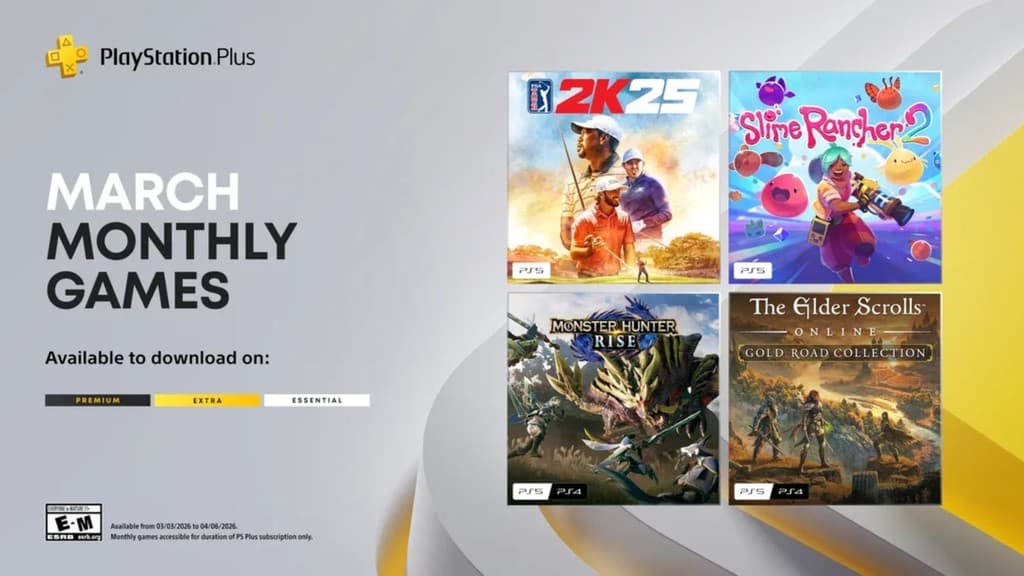
- Monthly games
- Online multiplayer
- Exclusive discounts
- Cloud storage
- Share Play
- Exclusive content
Pick Essential if you mainly play multiplayer games you already own, claim monthly games, and want cloud saves. If your squad is still grinding FIFA, NBA 2K, Monster Hunter, GTA Online, or fighting games, this is usually the “don’t overthink it” tier.
PlayStation Plus Extra
Extra includes the Essential benefits, plus access to the Game Catalogue and Ubisoft+ Classics PlayStation Plus Malaysia.
Pick Extra if you like trying many games without buying every title individually. This is the best value tier for players who finish games regularly or want to explore older titles they missed.
PlayStation Plus Deluxe
Deluxe includes the highest set of benefits, including Classics Catalogue and Game Trials on top of the Extra benefits PlayStation Plus Malaysia.
Pick Deluxe if you care about classic PlayStation games or want to test selected games before buying. It is the “I want everything” plan, but don’t buy it just for flex — only go Deluxe if you will actually use the extras.
Quick Recommendation
For most Malaysian players:
- Casual online player: Essential
- Game-hopping player: Extra
- Classic games / trials enjoyer: Deluxe
If you only play one or two online games, Essential is enough. If you constantly ask “what should I play next?”, Extra is probably the sweet spot.
How to Add Funds to Your PlayStation Wallet
Before adding funds, Sony’s support page says users should check which payment methods are accepted in their country or region PlayStation Support: Add Funds to Wallet. This matters because your account region and accepted payment options can affect whether checkout works smoothly.
Method 1: Add Funds Online
- Go to PlayStation Store.
- Sign in to your PlayStation account.
- Select your profile icon.
- Go to Payment Management.
- Choose Add Funds.
- Select your payment method.
- Choose the amount.
- Confirm the top-up.
Method 2: Add Funds on PS5
- Go to Settings.
- Select Users and Accounts.
- Go to Account.
- Select Payment and Subscriptions.
- Choose Add Funds.
- Pick your payment method.
- Review the amount.
- Select Continue, then confirm.
Method 3: Add Funds on PS4
- Go to Settings.
- Select Account Management.
- Choose Account Information.
- Select Wallet.
- Sign in if prompted.
- Choose Add Funds.
- Pick your payment method.
- Confirm the amount.
Still using PS4? No shame lah. If it runs your games, it runs your games.
Using PlayStation Store Gift Cards
Sony says wallet funds can also be added using a PlayStation Store gift card or voucher code PlayStation Support: Add Funds to Wallet.
This is useful if you prefer prepaid spending instead of linking a payment card. It also helps younger players or anyone who wants to control spending before big sales.
How to Redeem a Voucher Code
- Open PlayStation Store.
- Go to your account/profile menu.
- Select Redeem Codes.
- Enter the voucher code carefully.
- Confirm redemption.
- Check your wallet balance.
Pro tip: Type slowly. Voucher codes are where one wrong character can make you question your whole existence.
How Wallet Funds Are Used
When you buy something from PlayStation Store, Sony says wallet funds are used first. If your wallet balance is not enough, the remaining amount can be paid with another payment method PlayStation Support: Add Funds to Wallet.
That means if you have some leftover wallet balance, it will usually be applied before your card or other payment method covers the rest.
How to Check Your Wallet Balance
On the web:
- Go to PlayStation Store.
- Sign in.
- Select your profile icon.
- Open Payment Management.
- Your wallet balance should appear at the top.
On PS5:
- Open PlayStation Store.
- Press the triangle button.
- Select More.
- Check the balance near your profile icon.
On PS4:
- Go to Settings.
- Select Account Management.
- Choose Account Information.
- Open Wallet.
Common Mistakes to Avoid
1. Ignoring account region
Always check your account region before buying wallet credit or trying a payment method. Sony specifically tells users to check accepted payment methods for their country or region before adding funds PlayStation Support: Add Funds to Wallet.
2. Buying a higher tier you won’t use
Deluxe sounds best, but if you never touch classics or trials, Extra or Essential may make more sense.
3. Forgetting subscription renewal
PlayStation Plus subscriptions can continue until cancelled, according to the PS Plus plan notes PlayStation Plus Malaysia. Check your renewal date so you don’t get surprised later.
4. Assuming free-to-play games always need PS Plus
Sony’s PS Plus FAQ says most free-to-play games such as Fortnite, Apex Legends, and Call of Duty Warzone do not require a membership PlayStation Plus Malaysia. So don’t subscribe only for those unless you want the other benefits.
Pro Tips for Malaysian Players
- Check the plan benefits before subscribing, especially if you are deciding between Extra and Deluxe.
- Use wallet top-up if you want better spending control.
- Check your wallet balance before a major sale.
- Claim monthly games while your subscription is active.
- If payment fails, review accepted payment methods for your account region first.
- Screenshot your successful top-up or renewal confirmation for easy reference later.
Final Take
For most players, PlayStation Plus Essential covers the basics: online multiplayer, monthly games, discounts, cloud storage, and Share Play. Extra is the stronger value pick if you want a bigger game library. Deluxe is for players who actually care about classics and game trials.
Before paying, check your account region, confirm your payment method, and make sure you are choosing the plan you will really use. Simple setup now saves a lot of headache later — and more time for actual gaming.